Use Internet Explorer in Windows 11
Background
With Windows 11, Microsoft has removed several outdated apps and features, including the long-hated Internet Explorer. However, some proprietary apps and legacy sites still require Internet Explorer functionality to run.
Several posts suggest using the IE mode in Microsoft Edge. However, it does not work for some websites: a few government service portals, for instance, still fail to load correctly in Edge’s IE mode.
Solution
Step 1. Create a VB script, named ie.vbs with the following content.
CreateObject("InternetExplorer.Application").Visible = true
Although Windows 11 removed the standalone iexplore.exe entry point, it still ships the Internet Explorer engine and its COM components, which back Edge’s IE mode and legacy apps. The script above simply asks Windows for that COM object and makes its window visible, bringing up the familiar IE window.
Step 2. Run the VB script, and Internet Explorer will be launched as expected.
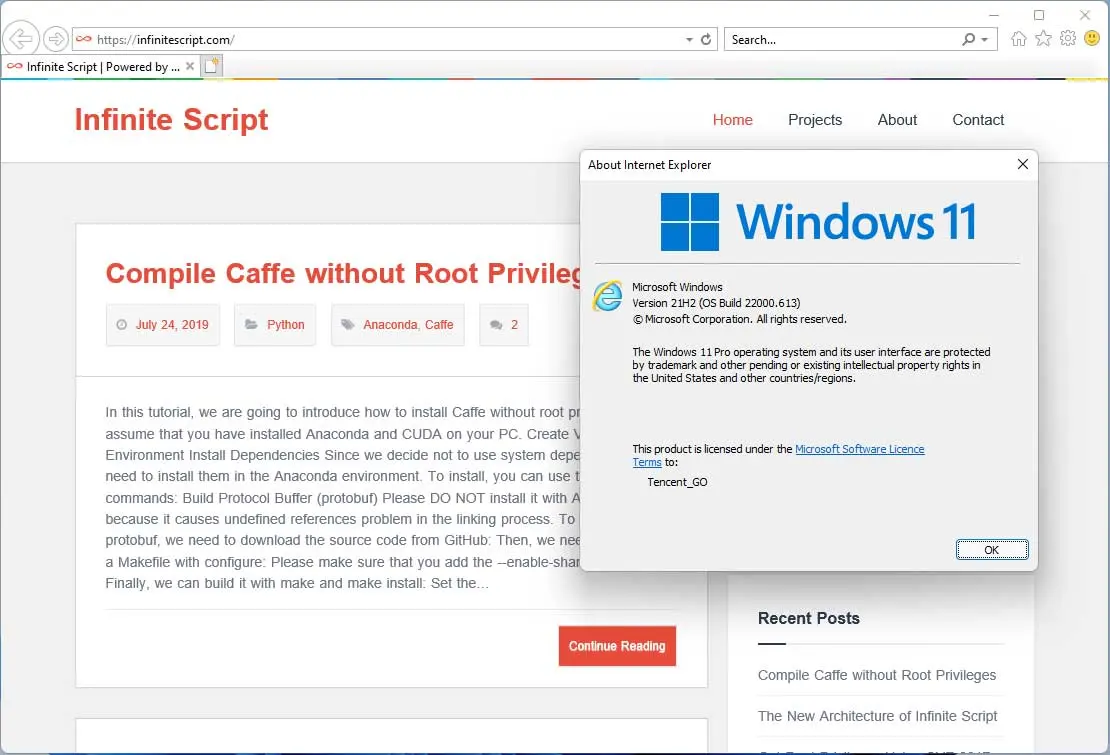
Note: Microsoft is permanently disabling the IE11 desktop application across Windows, so this COM-based workaround may stop working on future builds.
The Disqus comment system is loading ...
If the message does not appear, please check your Disqus configuration.